Product Release Notes for November (Webflow body)
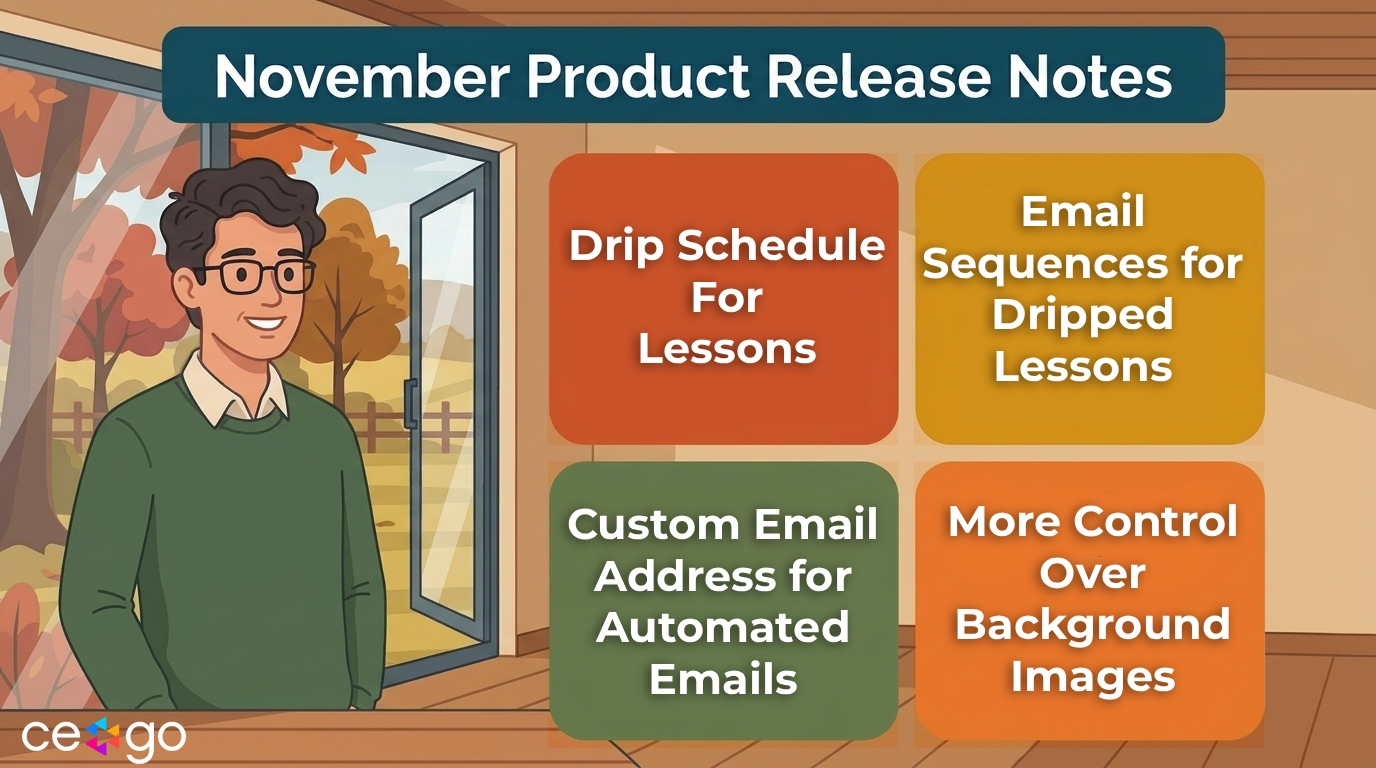
November's updates give organizers more control over how self-paced courses are delivered, with drip-scheduled lessons and automated email sequences. We also added new course branding options, a custom "from" address for automated emails, and fixes for Zoom recordings and organizer login with two-factor authentication.
Self-Paced Courses
Feature: Drip Schedule for Lessons
New lessons can now be released on a specific date, or a certain number of days after a learner's initial enrollment, so your course works as a drip schedule. Locked content on a drip schedule can also be unlocked or locked manually for individual users.
Why this matters:
- Lets organizers pace learners through course content instead of releasing everything at once
- Supports date-based and enrollment-based release schedules
- Gives organizers manual control to unlock or lock content for individual learners when needed
Feature: Email Sequences for Dripped Lessons
The dripped lesson update also includes the ability to create an email sequence that sends when a drip lesson unlocks, whether it unlocks automatically on schedule or manually.
Why this matters:
- Notifies learners as soon as new content is available
- Helps keep learners engaged throughout the length of a course
- Works the same way whether a lesson unlocks automatically or manually
Course Branding
Update: More Control Over Background Images
Background images now have an option to "Show full image (no cropping)," and transparency can be adjusted from the Branding tab.
Why this matters:
- Keeps your artwork intact instead of cropping it to fit
- Makes it easier to balance background images with the content on top of them
- Puts the controls in one place, on the Branding tab
Routing
Feature: Custom "From" Email Address for Automated Emails
Organizers can now provide a custom "from" email address when sending automated emails via CE-Go. Admins can update this setting on an account basis at Account → Routing → Email Routing. The email must be verified during the setup process, and it can be restored to the default, support@ceactivities.com, at any time. Admins can also enable this at the organizer account level so organizers can complete the task themselves.
Why this matters:
- Lets automated emails come from an address your attendees recognize
- Verification during setup helps ensure the address is valid before it is used
- Admins can choose whether to manage the setting centrally or hand it to organizers
Integrations
Update: Zoom Recordings Now Push to CE-Go Automatically
We addressed a webhooks issue in which recordings were not automatically pushed from Zoom to CE-Go.
Why this matters:
- Gets recordings into CE-Go without manual follow-up
- Makes on-demand content available sooner after a live Zoom session
Login
Update: Organizer Login Fix for Two-Factor Authentication
We resolved a bug affecting organizer login with 2FA.
Why this matters:
- Organizers can sign in reliably with two-factor authentication turned on
- Keeps the added security of 2FA without the login friction
Ready to See These Features in Action?
These updates are live now, and there's no better way to see them than in your own account. Schedule a demo today and let us show you exactly how they can save your team time.